
July 29, 2021
Nature Photographer Ryan Lucenkiw Shares How to Find Subjects, Evoke Emotion and Stay Safe While Seeking the Perfect Shot
BY RILEY CHERVINSKI, COMMUNICATIONS AND EVENTS COORDINATOR, OCEAN PROGRAM OF CPAWS MANITOBA
Goslings belly-flopping into a pond, a family of river otters playfully fighting and a great grey owl soaring across a snowy backdrop. These are just a few of the incredible photos Ryan Lucenkiw has captured throughout Manitoba as a talented nature photographer and outdoor enthusiast.
He shared these images along with valuable tips, tricks and a heavy dose of inspiration to an audience of more than 150 people during a July 7th CPAWS Manitoba webinar, Nature Photography: Tips for Getting Outside and Getting the Shot.
The webinar was chock-full of information, and we’ve summarized some of Ryan’s most helpful advice below. You can also watch a recording of the webinar on Vimeo.
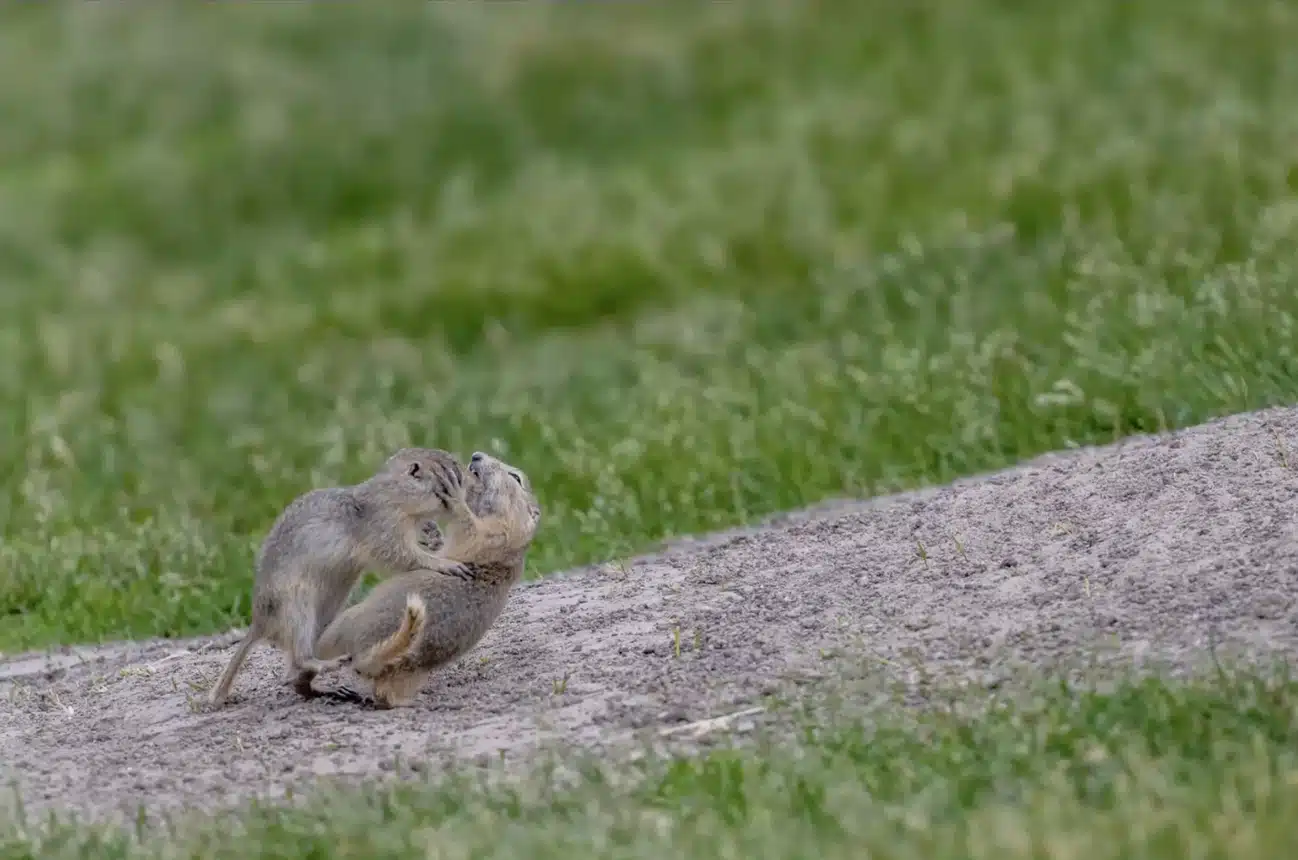
Richardson’s ground squirrels wrestling evoke humour in their action. Photo by Ryan Lucenkiw.
Keep These Nature Photography Tips in Mind
Respect Wildlife
When photographing wildlife, it’s important to keep the animals’ well-being in mind. Ideally, the wildlife won’t even know you’re there, Ryan explained. To achieve this, he often photographs his subjects from a distance and creates a barrier between them and himself, such as a canoe or car door. He also reminded participants never to feed the wildlife or overstay their welcome.
Practise Patience and Behaviour-Watching
It pays off to be patient and watch your subjects carefully before snapping photos. To capture an adorable photo of goslings jumping into a pond, Ryan first watched another gaggle jump into the water. He was then able to set up his shot perfectly before the rest of them followed suit.
Evoke Emotion
Instead of simply photographing the animal as soon as it appears in your lens, waiting for an action or interaction can make for a much stronger image. It creates a deeper story, conveys emotion and allows the audience to connect to the subject. Ryan used the examples of two Richardson’s ground squirrels wrestling in Assiniboine Park and a family of raccoons teaching the young to climb trees as photos that evoke humour in their action.
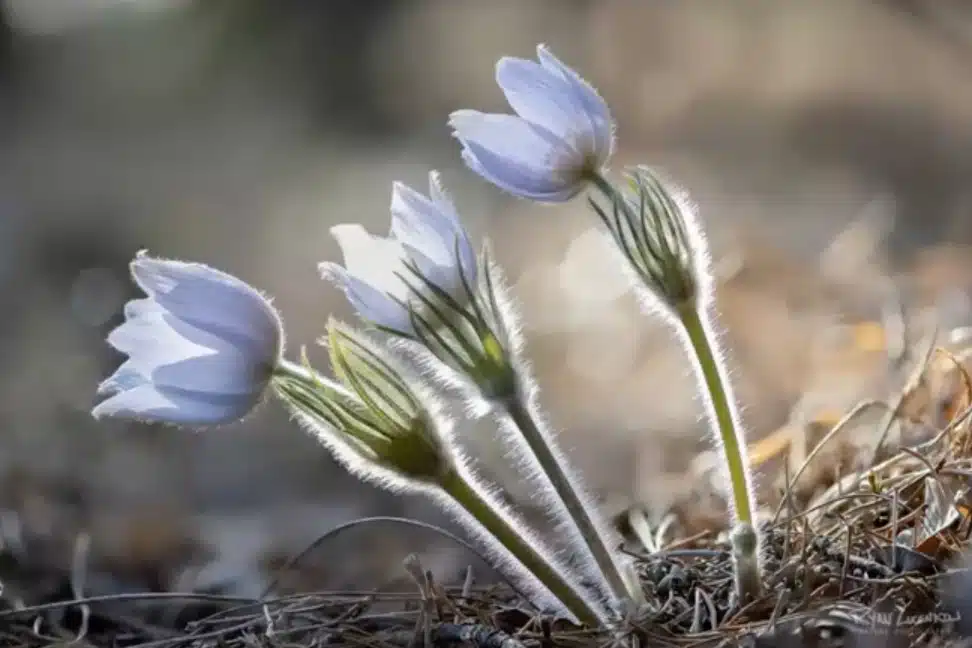
The prairie crocus is Manitoba’s provincial flower and blooms in early spring. Photo by Ryan Lucenkiw.
How to Find Your Subjects for Nature Photography
Careful Observation
It might sound a little bit ridiculous, Ryan said, but if you prime your brain with thoughts of what you’re going out to shoot that day, you might have better luck finding it. Your brain processes tens of thousands of bits of information every second, and just giving it some instruction on what to pay attention to might help you find it.
Search Social Media
Social media is a great way to find the locations of potential photography subjects. For example, who hasn’t seen hundreds of pictures of bears at Riding Mountain National Park over the last two months? So if you’re looking to shoot bears, blackberries or whatever else, search Instagram or Facebook to find a great location.
Research and Reference Books
If you are looking for a rare shot or animal, you may need to do more research either online or with reference books. For example, if you’re looking to shoot a great grey owl, research can help you determine their habitat and where you’ll find those habitats nearby. Reference books on bird, wildlife and native plant species can be very handy when searching for information on subjects.
Networking
Networking is an extremely valuable activity for photographers. Staying connected to other photographers both in real life and online allows you to collaborate and share coordinates for subjects.
Ryan says he often has people approach him and volunteer information when he’s walking around with his camera. A few weeks ago he was taking photos of flowers on the Brokenhead Wetland Interpretive Trail and was approached by a lady who showed him where to find an incredible area filled with lady slipper flowers that he never would have found otherwise.
Apps
Apps such as iNaturalist and the Audubon Bird Guide can be useful when trying to track down subjects for shooting.
Institutional Knowledge
When Ryan started shooting wildflowers, he joined an organization called Native Orchid Conservation Inc. (NOCI). Aside from activities of orchid conservation, members of the group organize field trips around the province to showcase Manitoba native flowers. Ryan says the group was responsible for helping him cultivate an interest in wildflowers, gain valuable information about native species in Manitoba and take better photographs.
This webinar was part of our Lunch and Learn series to encourage Manitobans to safely spend time outdoors, appreciating the beauty of our wild spaces and exploring nature in our own backyards.
This program is possible thanks to the generous support of The Winnipeg Foundation and the Conservation Trust, a Manitoba Climate and Green Plan Initiative delivered by the Manitoba Habitat Heritage Corporation.